Social media scheduler for a manageable week
Bring Instagram, TikTok, Facebook and eight more networks into one weekly calendar. Prepare posts ahead, choose publishing times and keep your next batch manageable.
 By Lena Hartwig, Product and scheduler
Updated on November 6, 2026




Free times that suit your account
Set fixed times for each weekday and new posts slip into the next free slot. Crowdbird works out which times do well from your own posts.
- Recommended times once an account has 20 posts of its own in 90 days, clearly labeled guide times until then
- “Fill the gap” suggests drafts for free times in the next 7 days, and you confirm
- Everything in your workspace's time zone
The right version for each platform
Write one post and adjust it for each account: its own caption, its own text for the first comment, and a preview of how it will look once it's live.
- Instagram as a post, Reel or Story, plus TikTok, Facebook and 8 more networks
- First comment on Instagram, Facebook, YouTube, LinkedIn and Threads
- Previews for feed, Reel, Story and TikTok

Approve before anything goes live Soon
Members submit drafts with a preferred time. Owners and admins schedule them or send them back with a comment. Both sides get a notification. This needs a second member, and inviting members isn't possible yet.
- A separate Approvals tab in the scheduler
- Feedback with a comment
- Campaign tags with a filter, so posts that belong together stay together

A whole month from one spreadsheet
Upload a CSV file with the text, time, account and a link to the image. Crowdbird checks every row, shows you a preview and turns it into drafts that you then schedule.
- Up to 200 rows per file
- Images and videos via a public link
- Templates for posts you need again and again
How it works
Connect your account
Any of 11 networks, most of them through the platform's official login. Your password stays with you.
Write your post
Text, image or video, adjusted for each platform. Or lots of posts at once by CSV.
Pick a time
A time of your own, right now or the next free slot in the queue. The scheduler does the rest.

Build a queue you can keep up with
Start with the content you can reliably make, not the number of empty spaces in a calendar. A social media scheduling tool is easier to maintain when every recurring slot has a clear purpose: show the product, explain the process or answer a buying question.
List the photos, videos and useful answers you already have.
Choose a small set of weekday slots you can refill each week.
Give each slot a content purpose so you know what to prepare.
Review the next week before adding more recurring slots.
Crowdbird puts new queued posts into the next free slot. Keep time-sensitive announcements separate from your regular rhythm by choosing their publishing time directly. If a slot repeatedly leaves you scrambling for material, remove it before expanding the queue.
Compare social media schedulers by fit
When choosing between schedulers, try preparing the same week's content in each. Compare the work required, not just the feature lists.
For repeatable content, check how you set and refill queue slots.
For mixed formats, check each format and its account requirements.
For team review, check whether invitations and approvals are available now.
For phone use, decide whether browser access meets your needs or you need a native app.
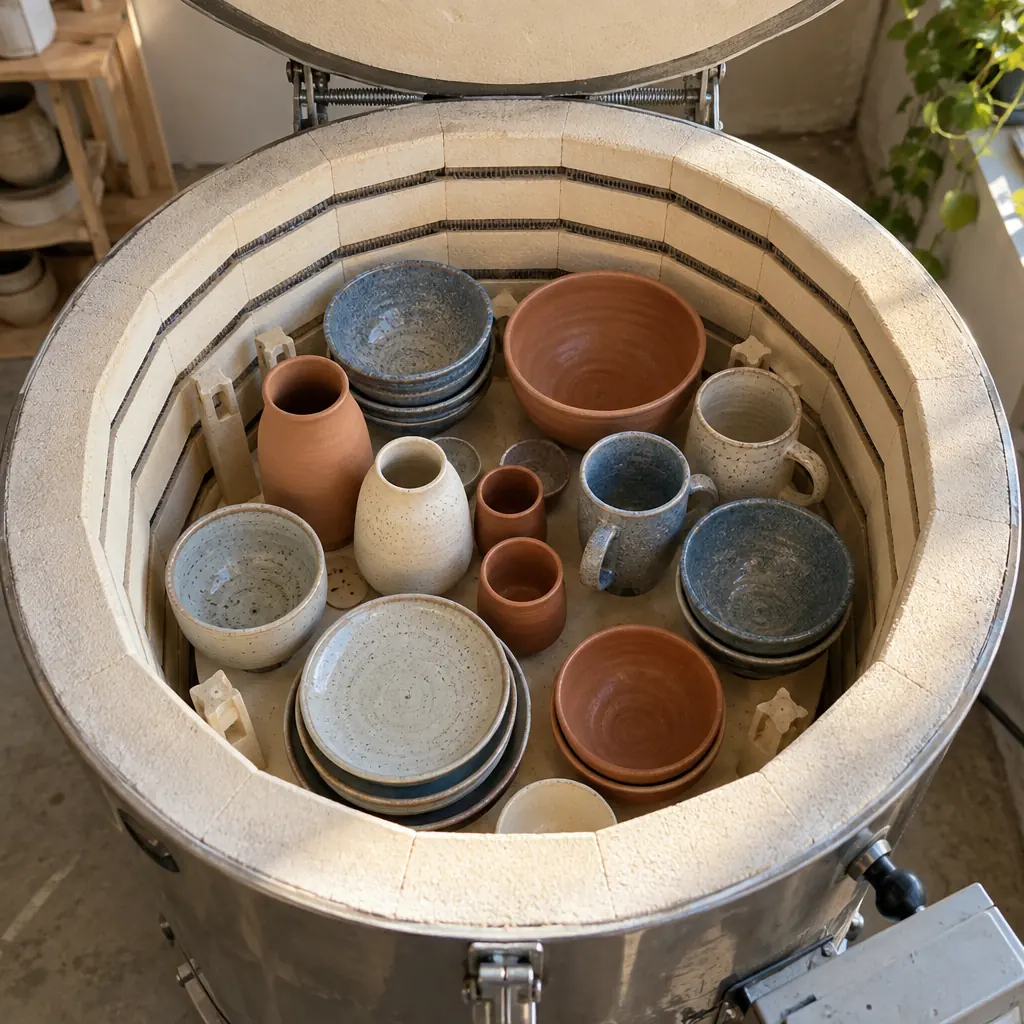
A worked week for Ceramico Studio
| Day | Content | Account-specific versions |
|---|---|---|
| Monday | Mug detail | Instagram feed photo with a design detail and a Facebook Page post with practical product context |
| Wednesday | Glazing process | Instagram Reel explaining the finish and a TikTok video with a short opening hook |
| Friday | Care instructions | Instagram feed post with steps and a TikTok video demonstrating the same care routine |
Before scheduling, check that each caption matches what the photo or video shows. Use the preview to review the intended format, and read any first comment alongside the caption. The AI assistant can shorten or rewrite a draft, but you decide whether its wording sounds like your shop.
Use timing suggestions without filling every gap
Recommended times come from each account's own posting history once there is enough of it. Until then, Crowdbird shows clearly labeled guide times. Start with times you can maintain, then use your posting history to reconsider the slots.
“Fill the gap” suggests drafts for open times in the next seven days, and you confirm them. Review the surrounding posts before accepting a suggestion: two similar product posts next to each other may need different angles. An open slot can also stay open when you have nothing useful ready.
Import batches without skipping the review
For a larger batch, prepare a CSV with text, time, channel and a media link. Crowdbird checks every row and turns the entries into drafts. Importing is the start of review, not a reason to skip it.
Check the intended account, media and caption for each draft before scheduling. Add campaign tags to group related posts, such as a Ceramico Studio mug collection. Later, use analytics filters to review that campaign without mixing it with unrelated content.
Know the handoff and channel limits
The draft handoff lets members submit a preferred time and lets owners or admins schedule the draft or return it with a comment. Invitations for additional members are coming soon. If you are planning a team setup, account for that before building your review routine around new invitations.
Crowdbird connects 11 networks, but features differ: first comments, the inbox and comment-to-DM depend on the platform. It runs in a browser on desktop and phone, with no iOS or Android app. Review the supported platforms before moving your posting plan to see what each network supports.
What does a social media scheduler do?
A social media scheduler lets you prepare posts ahead of time and publish them at a chosen time. In Crowdbird, you can organize upcoming content in a calendar or use recurring queue slots. You still choose the content, review its account-specific version and decide when it should go live.
Which platforms and post formats can I schedule?
You can schedule Instagram feed posts, Reels and Stories, TikTok videos, Facebook Page posts and posts for 8 more networks, such as YouTube videos, LinkedIn posts and Pinterest Pins. Instagram connections require a business or creator account, while Facebook connections require a Page, not a personal profile. Most accounts connect through the platform's official login (Bluesky uses an app password, Telegram a bot), without giving Crowdbird your account password.
How does Crowdbird recommend posting times?
Crowdbird uses your own posting history once an account has 20 published posts within the last 90 days. Before you reach that threshold, it displays guide times with a clear label. Use the recommendations to choose queue slots, then review how your content performs rather than expecting a particular result from one hour.
Can I schedule a first comment with my post?
Yes, you can prepare a first comment for Instagram feed posts and Reels, and for Facebook Page, YouTube, LinkedIn and Threads posts. First comments are not available for TikTok or Instagram Stories. You can give each supported account its own comment text, so review it alongside the caption instead of copying the same wording everywhere.
Will posts published outside Crowdbird appear in the calendar?
Yes, posts published outside Crowdbird also appear in its calendar. That helps you review your publishing rhythm without relying only on content scheduled inside the app. Before adding another post to a busy part of the week, look at what is already there, including anything you published directly on the platform.
Can I schedule social media posts from my phone?
Yes, you can use Crowdbird in your phone's browser, as well as on desktop. There is no separate iOS or Android app. For a practical workflow, prepare larger batches on whichever screen suits you, then use the browser on your phone when you need to work away from your desk.
Which is the best social media scheduler for a small team?
The best social media scheduler is the one that fits your channels, content formats and review process. Crowdbird is worth considering if you post on several of its 11 networks and want scheduling alongside captions, analytics and comment-to-DM automation. If inviting teammates is essential right now, remember that Crowdbird's member invitations are coming soon.
Can I import posts from a spreadsheet?
Yes. Upload a CSV file with the text, time, account and a link to the image or video. Crowdbird checks every row, shows a preview and turns the rows into drafts that you then schedule.
How does the queue decide when a post goes out?
You set fixed times for each weekday, and a new post goes into the next free slot. “Fill the gap” suggests drafts for open times in the next 7 days, and nothing is added until you confirm.
Which time zone does the scheduler use?
Your workspace's time zone. Queue slots, publishing times and the calendar all follow it.