Schedule Pinterest Pins for your boards
Prepare Pins with one image or video, a title and a link in Crowdbird and set the time. Pinterest sits in the same week view as your other networks.
 By Lena Hartwig, Product and scheduler
Updated on November 6, 2026

- What you schedule
- Pin
- Text
- 800 characters
- First comment
- NoNo
- Inbox
- NoNo
- Connection
- Official login
More for scheduling
What Crowdbird publishes on Pinterest
Each Pin has one image or one video and goes live on the board you choose at the time you set. Title and destination link are optional.
- One image or one video per Pin
- Title up to 100, text up to 800 characters
- Optional destination link
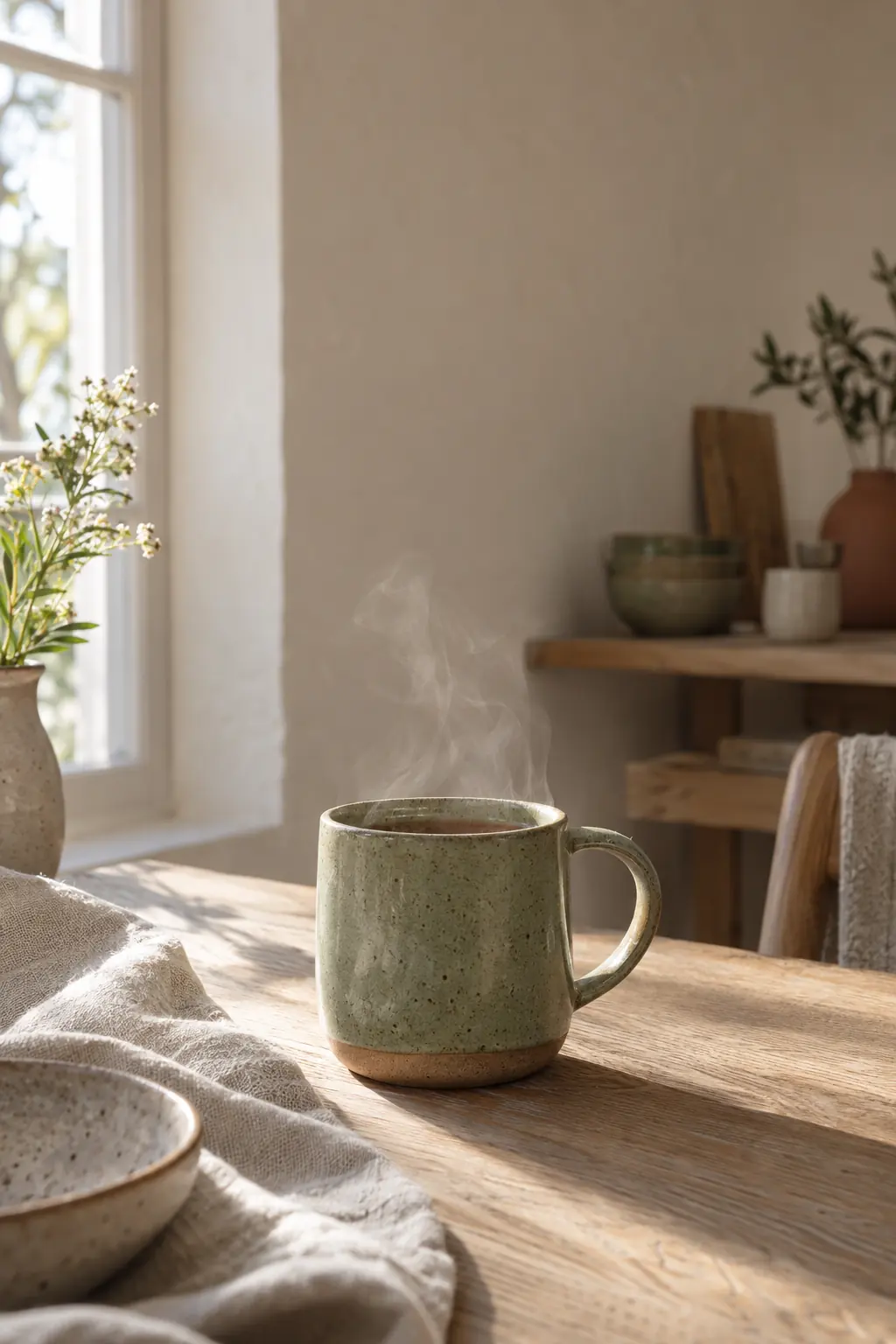
Pinterest next to your other networks
Plan Pins in the same week as Instagram, TikTok and your other accounts. The same idea gets its own text on Pinterest while the other versions stay as they are.
- Own text per network and account
- Default board or a board per Pin
- Images and videos up to 250 MB
Fixed times for your Pinterest week
Set fixed times per weekday and new Pins take the next free slot. Until your account has enough posts of its own, Crowdbird shows clearly labeled guide times.
- Fixed times per weekday
- Publish now or schedule ahead
- Guide times until your own data is there
Prepare several Pins by CSV
Upload text, time, channel and a media link as a CSV. Each row is checked and saved as a draft that you review before scheduling.
- Text, time, channel and media link
- Each row becomes a draft
- Review before you schedule
Your first scheduled Pin in three steps
Connect Pinterest
Use Pinterest's official login. Then pick a default board, for example the one for your newest collection.
Prepare the Pin
Add one image or video, write the text and, if you like, a title and a destination link. Choose a board or keep the default.
Set the time
Pick your own time or the next free slot in your queue.

Schedule Pinterest Pins to the right board
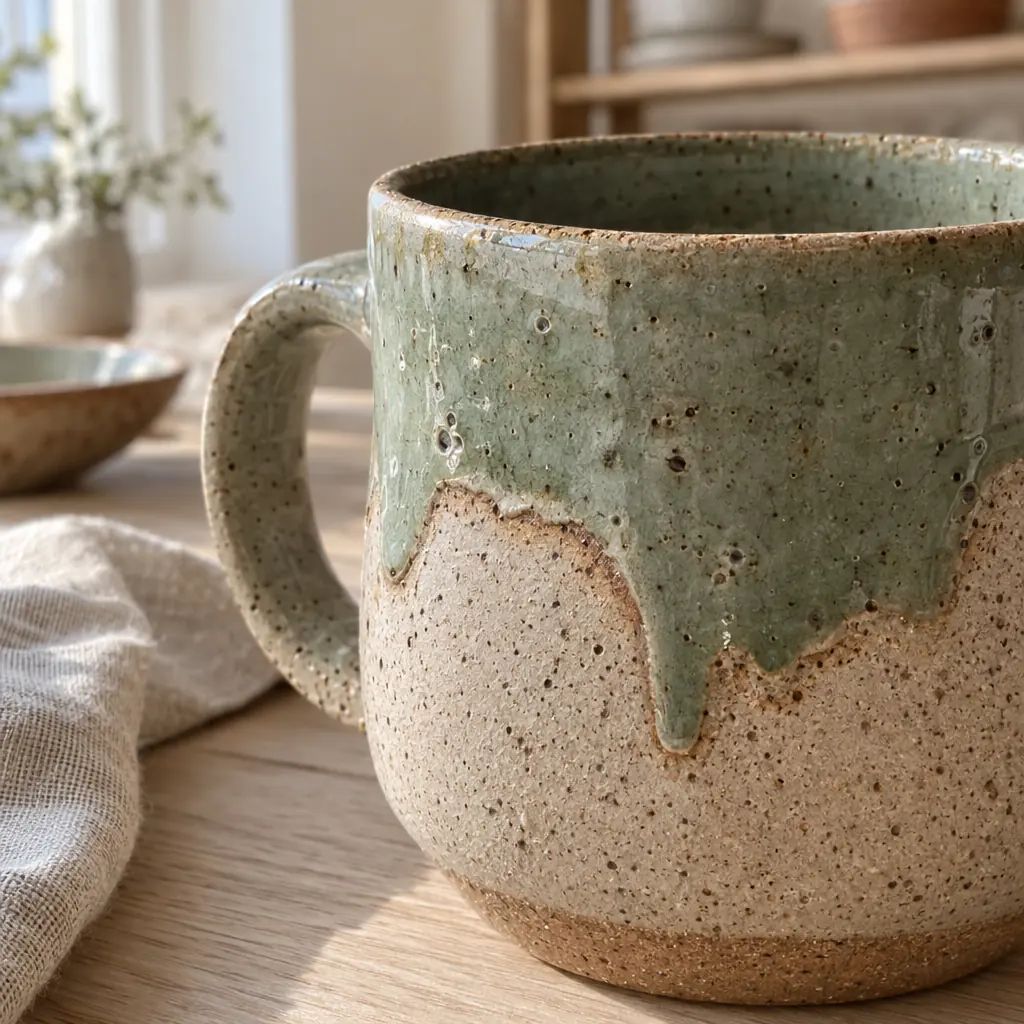
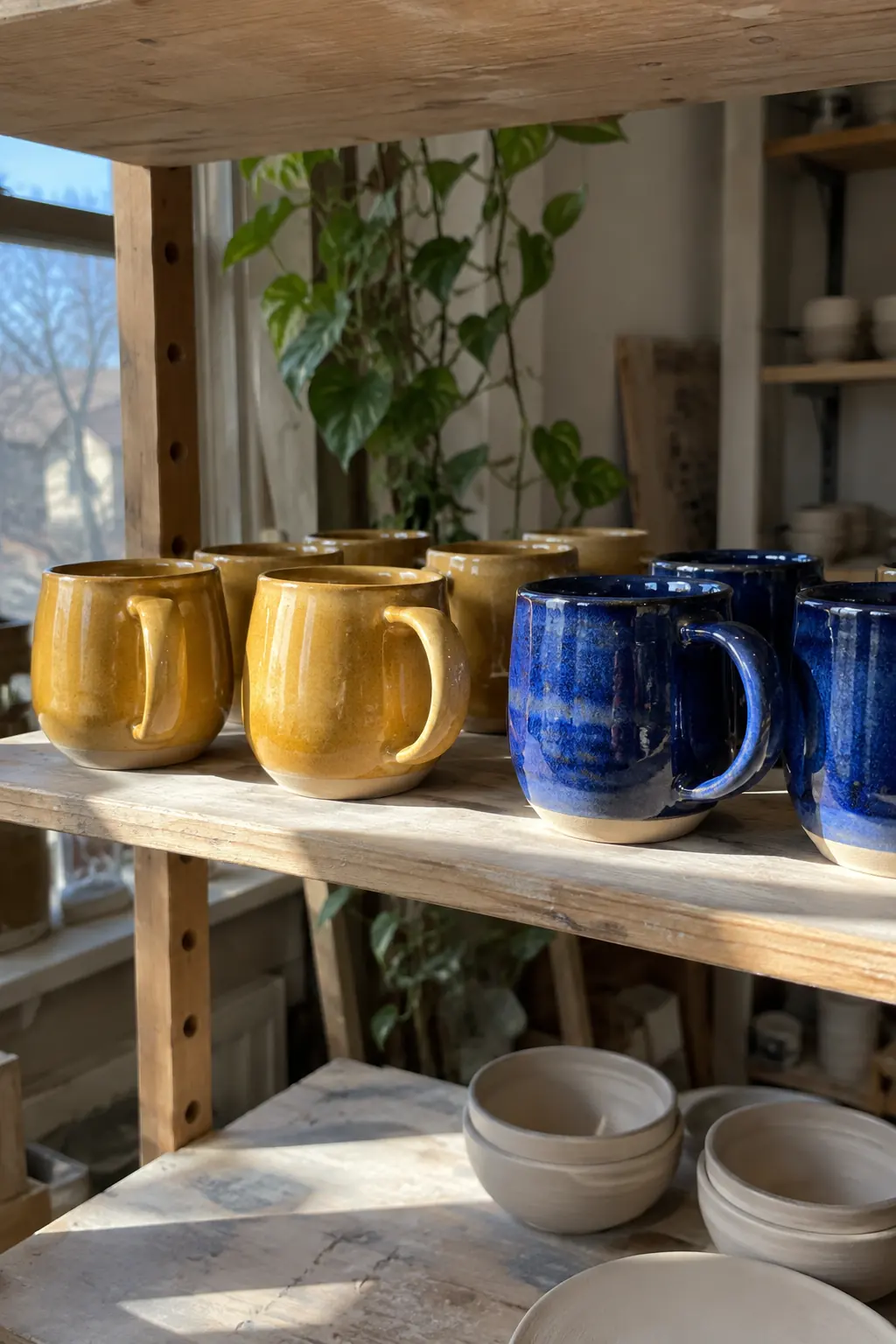
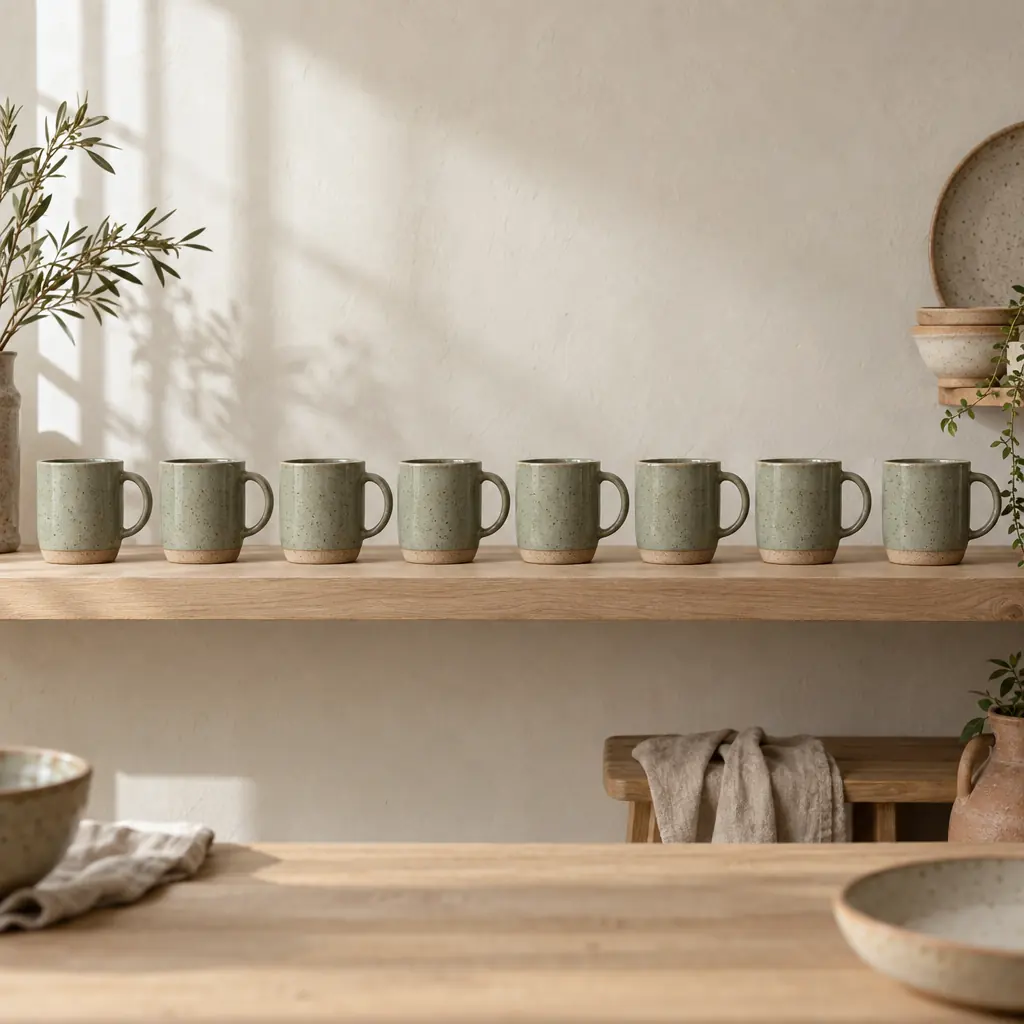
To schedule Pinterest Pins, first connect your account through Pinterest's official login. After connecting you can pick a default board, and for each Pin you choose a board or keep the default. Ceramico Studio (@ceramico.studio) could keep one board per collection, for example speckled mugs and breakfast bowls, and set the newest collection as the default.
Crowdbird uses the official interfaces for this. You enter your Pinterest password only on Pinterest, never with us.
What a Pin can contain
Every Pin has exactly one image or one video, and that media is required. You can't put several images into one Pin, so a mug in three glazes becomes three Pins. Images and videos can be up to 250 MB per file.
The title is optional and can be up to 100 characters, the text up to 800 characters. A title like "Speckled mug in sea green" says more than "New in the shop", and the text has room for size, care and what the piece is made for.
Destination link and board per Pin
Each Pin can carry an optional destination link. For Ceramico Studio that is usually the product page of the mug or bowl in the image, not the start page of the shop. Check every link before you schedule, especially when you prepare many Pins at once.
The board decides where the Pin appears on your profile. If you don't choose one, the Pin goes to your default board. That saves clicks during a launch week, but a bowl should not end up on the mug board.
Pins have no first comment, and comments, messages and automations for Pinterest are not part of Crowdbird. Reply to comments directly on Pinterest.
One week across all your networks
In the social media scheduler you see Pinterest next to Instagram, TikTok and your other connected accounts, so your Pinterest scheduler and the rest of your plan share one week. One idea can run on several networks and still get its own text on Pinterest. For Ceramico Studio that means a short caption on Instagram and a more descriptive Pin text that names the glaze, the shape and the use.
The AI assistant can lengthen, shorten, translate or change the tone of an existing text and suggest hashtags. Check glaze names, sizes and links yourself afterwards.
Times, queue and import
Set fixed times per weekday. New Pins take the next free slot, and you can also publish any Pin right away or schedule it at least two minutes ahead for a time of your own. Once an account has published 20 posts in 90 days, suggested times come from your own results. Before that you see labeled guide times.
For a whole collection, use the CSV import with text, time, channel and media link. Each row is saved as a draft that you check before scheduling, board included.
Common mistakes when you schedule Pins
Putting several product photos into one Pin. Each Pin takes one image or one video, so plan one Pin per photo.
Leaving the destination link empty or pointing it to the start page instead of the product.
Forgetting to choose the board, so a bowl lands on the default board of the mug collection.
Copying an Instagram caption word for word instead of describing what the Pin shows.
Results of your Pins
For Pins you publish through Crowdbird, Crowdbird takes over the numbers Pinterest provides. Older Pins you published directly on Pinterest are not included. How to read those numbers is explained under analytics.
Can I choose a different board for each Pin?
Yes. After connecting Pinterest you can pick a default board, and for each Pin you choose another board or keep the default. Ceramico Studio could set its newest collection as the default and still send a bowl Pin to the bowls board. Check the board before scheduling, especially for drafts from a CSV import.
Can a Pin have several images?
No. A Pin in Crowdbird has exactly one image or one video, and one of the two is required. If you want to show a mug in three glazes, schedule three Pins, each with its own text and link. Images and videos can be up to 250 MB per file.
How long can the title and text of a Pin be?
The title can be up to 100 characters and the text up to 800 characters. The title is optional, but a clear one helps people see what the Pin shows. Name the product in the title, for example glaze and shape, and use the text for details like size, care and use.
Can I add a link to a Pin?
Yes, each Pin can have an optional destination link. For a shop it usually makes sense to link the product page of the item in the image rather than the start page. Check every link before you schedule, especially when you prepare a whole collection at once by CSV import.
Can I reply to comments or messages on Pinterest in Crowdbird?
No. Crowdbird schedules and publishes Pins, but it has no first comment, no comments or messages and no automations for Pinterest. Reply to comments and messages directly on Pinterest. You plan the Pins themselves in Crowdbird, in the same week view as your other networks.
Do I have to give Crowdbird my Pinterest password?
No. You connect Pinterest through its official login and enter your password only there. Crowdbird uses the official interfaces and does not store your password. After connecting, you pick your default board. That way you schedule Pins alongside your other accounts without sharing login details.
Can I see how my Pins perform in Crowdbird?
For Pins you publish through Crowdbird, Crowdbird takes over the numbers Pinterest provides. Older Pins from Pinterest itself are not included. Compare Pins once a few days have passed, because numbers can still change, and look at the products and images behind them, not just single figures.